
Two lines, one glance
The translation and the original line stay together, in the same style as YouTube’s own captions. Hide the original from the fish menu if you only want the translation.
Your language on top, the original line below, in the YouTube player. Good for following a talk in a foreign language and for learning it.
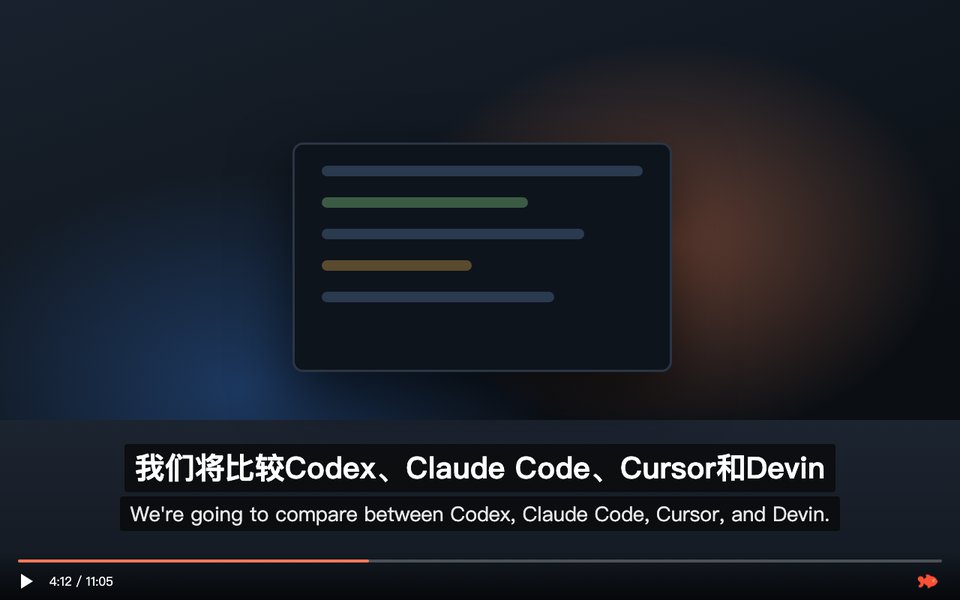
The translation and the original line stay together, in the same style as YouTube’s own captions. Hide the original from the fish menu if you only want the translation.
Earfish uses the captions the video already has, so it does not wait to transcribe audio. Videos someone has already watched load from the cache.
Long sentences are split at natural points; very short flashes are joined to the line before, so each line stays on screen at least 1.3 s.
Auto captions often mishear names. Earfish fixes the English first, then translates.
Translate into 8 languages. The default is your browser language; change it in the fish menu.